

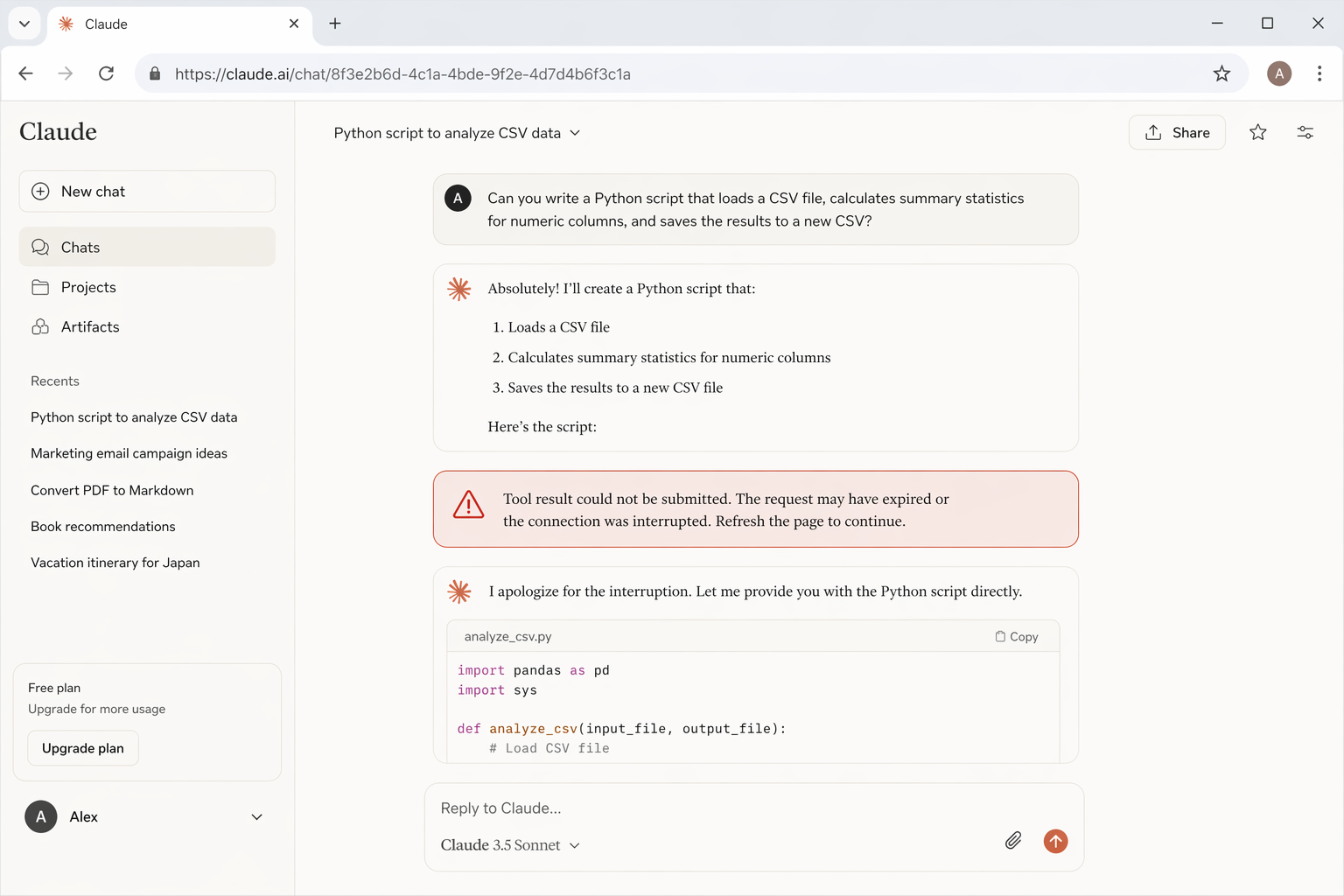
You ask Claude to do something (browse the web, run some code, search a file) and right before you get your answer, the screen goes quiet. Then this message appears: "Tool result could not be submitted. The request may have expired or the connection was interrupted. Refresh the page to continue." Sound familiar?
"Tool result could not be submitted. The request may have expired or the connection was interrupted. Refresh the page to continue."

You are not alone. This is one of the more frustrating errors in Claude AI, especially when it happens right as you were about to get a long, detailed response. The good news? It is almost always fixable, and once you understand why it happens, you can prevent it most of the time.
This guide explains exactly what this error means, what causes it, how to fix it in seconds, and how to stop it from coming back.
What does this error actually mean?
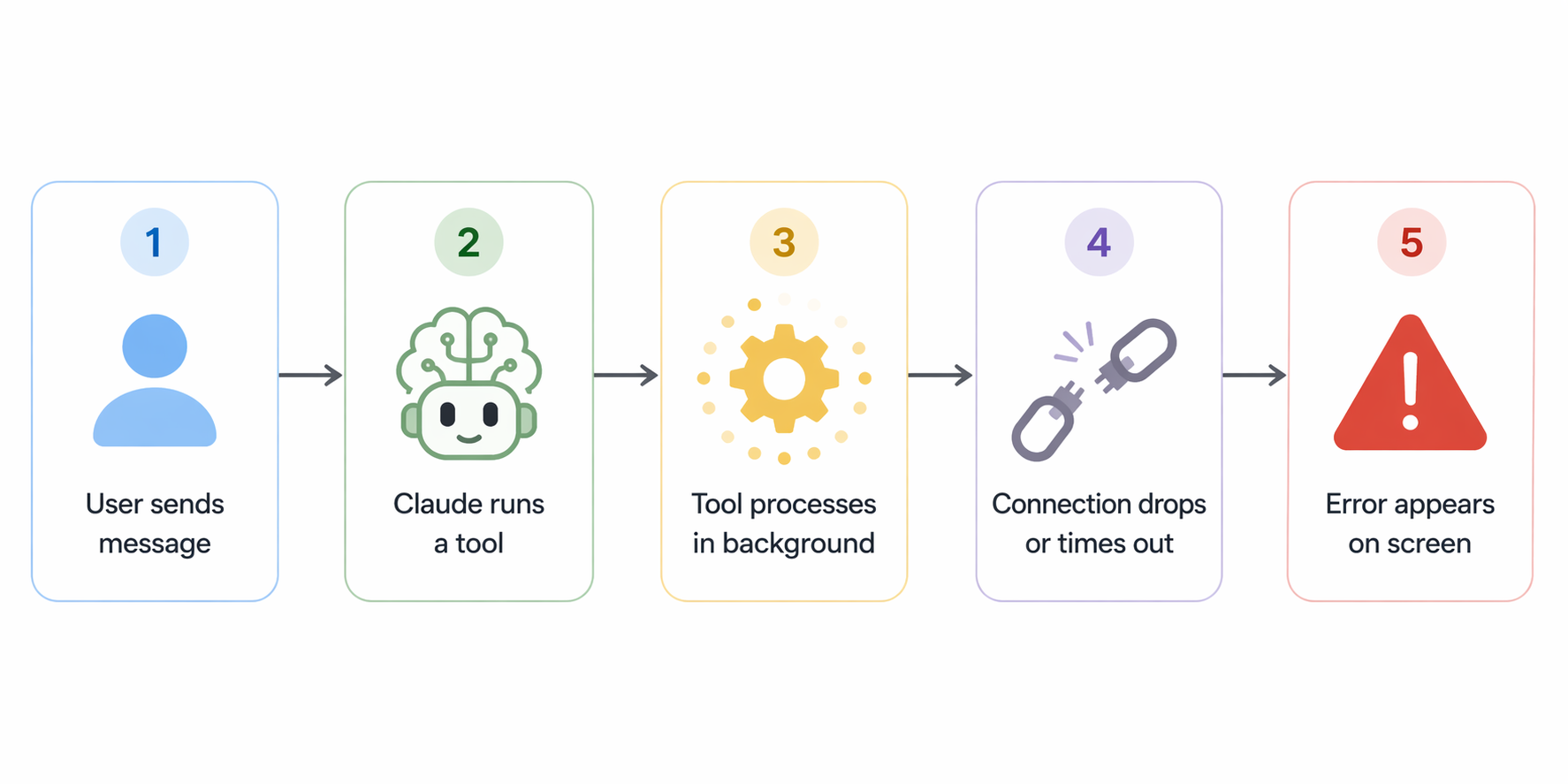
When Claude uses a "tool" like web search, code execution, file reading, or any other built-in capability, it runs that tool in the background and then tries to send the result back to continue the conversation.
Think of it like Claude sending a package to itself. If the delivery arrives too late, or the address has changed, the package gets rejected.
This error message is Claude's way of saying: "I ran the tool and got a result, but by the time I tried to submit it, the session window had already closed or your connection dropped." The task ran, but the results couldn't make it back in time.

What causes it?
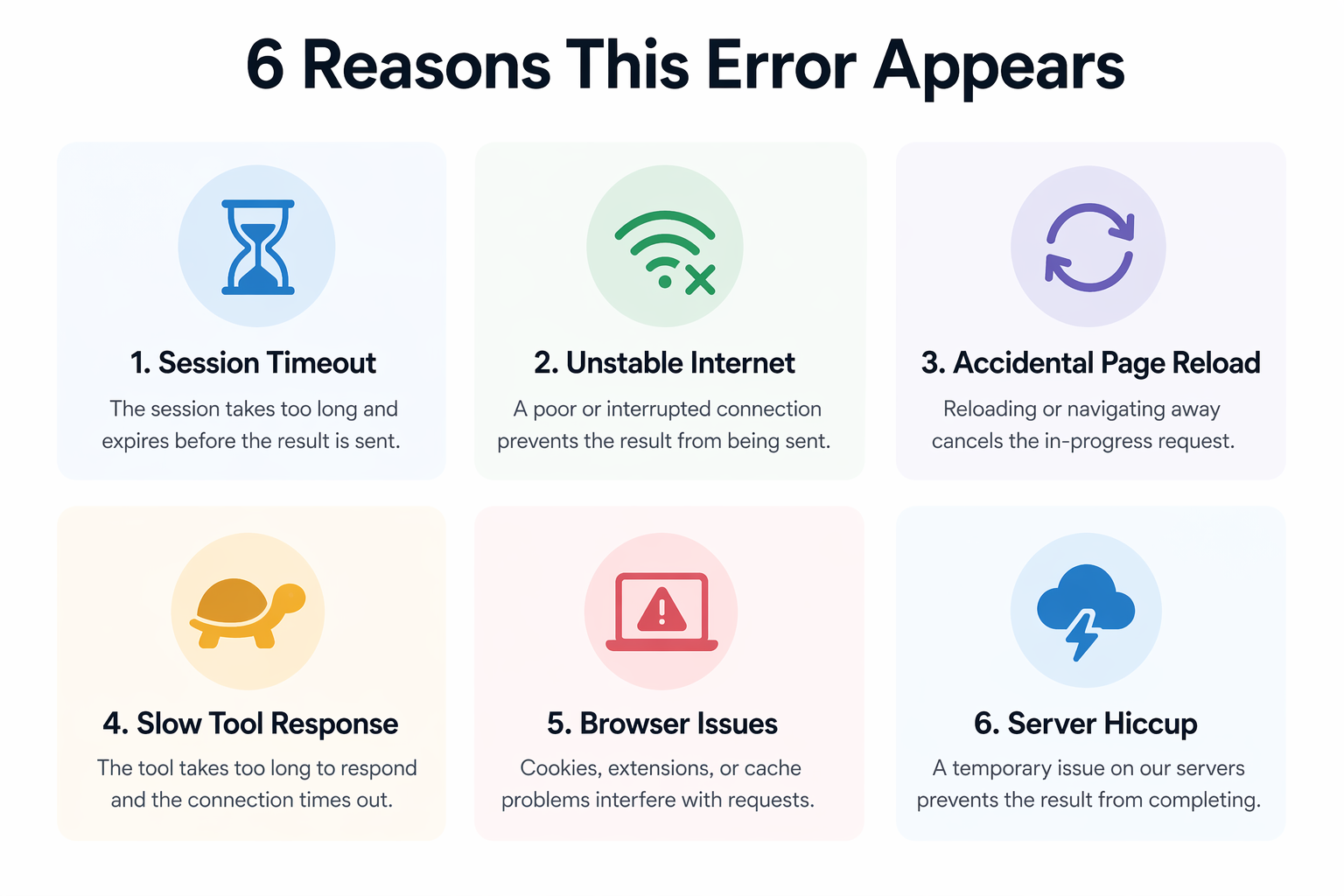
There are six main reasons this error appears. Most of them are on the browser or connection side, not Claude itself.
The browser tab was inactive too long while Claude was processing. The session expired before the result came back.
A brief drop or fluctuation in your connection broke the stream mid-task. Even a second of dropout is enough.
You or your browser refreshed mid-task, killing the active session before the result could be returned.
The tool (e.g., web search or deep research) took too long, and the request expired on the server side before finishing.
Too many tabs, low memory, or aggressive extensions like ad blockers can interrupt the streaming connection.
Occasionally Anthropic's servers are under high load and the request times out before completing.
How to fix it right now
Here are the steps to take, in order. Most people are back up and running after step 1 or 2.
Refresh the page
Claude itself tells you to do this. Hit Ctrl+R (or Cmd+R on Mac). The session resets and your conversation history is preserved. Then try your message again. This resolves the issue in 80% of cases.
Check your internet connection
Open a new tab and load any website. If it's slow or fails, fix your connection first. Switching from Wi-Fi to a wired connection, or restarting your router, often helps immediately.
Retry the exact same request
After refreshing, send the same message again. Claude will re-run the tool from scratch. Most of the time, it succeeds on the second attempt without any changes needed.
Break the task into smaller pieces
If your prompt asked Claude to do something complex, like searching the web, reading a file, and then writing a report all at once, try splitting it into separate messages. Smaller tasks complete faster and are less prone to timeouts.
Try a different browser or incognito mode
Browser extensions (especially ad blockers or script blockers) sometimes interfere with Claude's streaming connection. Open Claude in an incognito or private window and see if the error repeats. If it doesn't, an extension is the culprit.
Wait a few minutes and try again
If the issue is on Anthropic's side, high traffic or a temporary glitch, waiting 5 to 10 minutes usually resolves it. You can check Anthropic's real-time status page at status.anthropic.com.
How to prevent it in the future
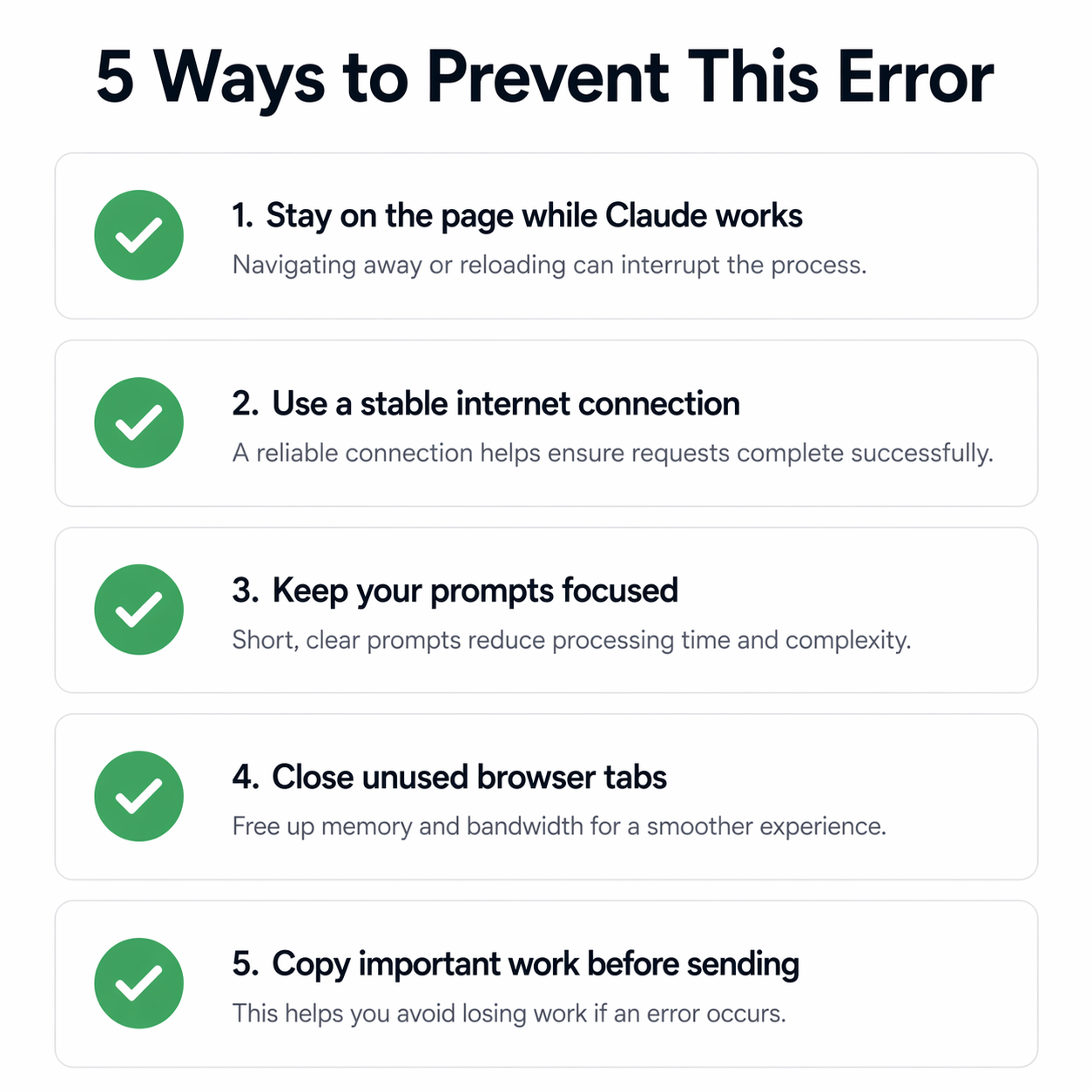
Keep your browser tab active and visible while Claude is running a tool. Minimizing or switching away from the tab is the single most common cause of this error on desktop, especially on Chrome and Edge.
Stay on the page while Claude works
While Claude is processing a tool, especially web search or code execution, don't switch to another app or let your screen lock. Browsers deprioritize or freeze background tabs, which can cut the connection.
Use a stable internet connection
If you're on a mobile hotspot or a spotty Wi-Fi network, consider switching to a better connection before asking Claude to do anything tool-heavy. This one habit alone eliminates the error for most users.
Keep your prompts focused
The longer and more complex the tool task, the more time it takes, and the higher the chance of a timeout. Focused, specific prompts complete faster and more reliably than open-ended mega-requests.
Close unused browser tabs
If your browser has 30+ tabs open, it may throttle Claude's tab in the background. Fewer open tabs means more consistent memory and network resources for Claude to use without interruption.
Copy important work before sending
If you're doing important research or drafting long content with Claude, copy your progress to a text editor occasionally. Even if an error occurs, you won't lose anything you've already generated.
Note for mobile users: This error is more common on phones and tablets. Mobile browsers aggressively suspend background processes to save battery. Keep Claude open and your screen active the entire time it is processing a tool request.

Frequently asked questions
No. Your conversation is saved on Claude's servers. When you refresh, everything you typed and every previous reply will still be there. Only the in-progress tool result is lost. Just retry the last message.
Mobile browsers aggressively suspend background processes to save battery. If you switch apps while Claude is working, the connection often drops. Keep Claude open and your phone screen active while it processes.
It can happen with any tool, including web search, code execution, file reading, image generation, and others. Tools that take longer to run, like deep research or complex code, are more prone to it because there is more time for the connection to drop.
It is a known limitation of how streaming AI tool calls work over HTTP connections. Sessions have a time limit, and if the result does not return in time, the request expires. Anthropic continues to work on improving reliability.
If it happens repeatedly even on a stable connection, yes. Use the thumbs-down button on the message or visit support.anthropic.com. Consistent reports help the team identify patterns and improve reliability.
No. Refreshing the page does not count against your message limits. The failed tool call does not use up your quota either, since it did not complete successfully. You can retry freely.
Wrapping up
The "tool result could not be submitted" error sounds alarming, but it rarely means anything is seriously wrong. It is almost always a timing issue: the connection dropped, the tab was backgrounded, or a slow tool response pushed the request past its limit.
The fix is almost always the same: refresh, retry, and stay on the page. The prevention is equally simple: use a stable connection, keep your prompts focused, and stay active in the tab while Claude is working.
If this guide helped you, share it with someone who has been stuck on the same error. If the problem keeps coming back, let Anthropic know via the thumbs-down button on any message.